Voxel Block Builder Weekly New Blocks
Free Inventory growth on a steady Goober Labs cadence.
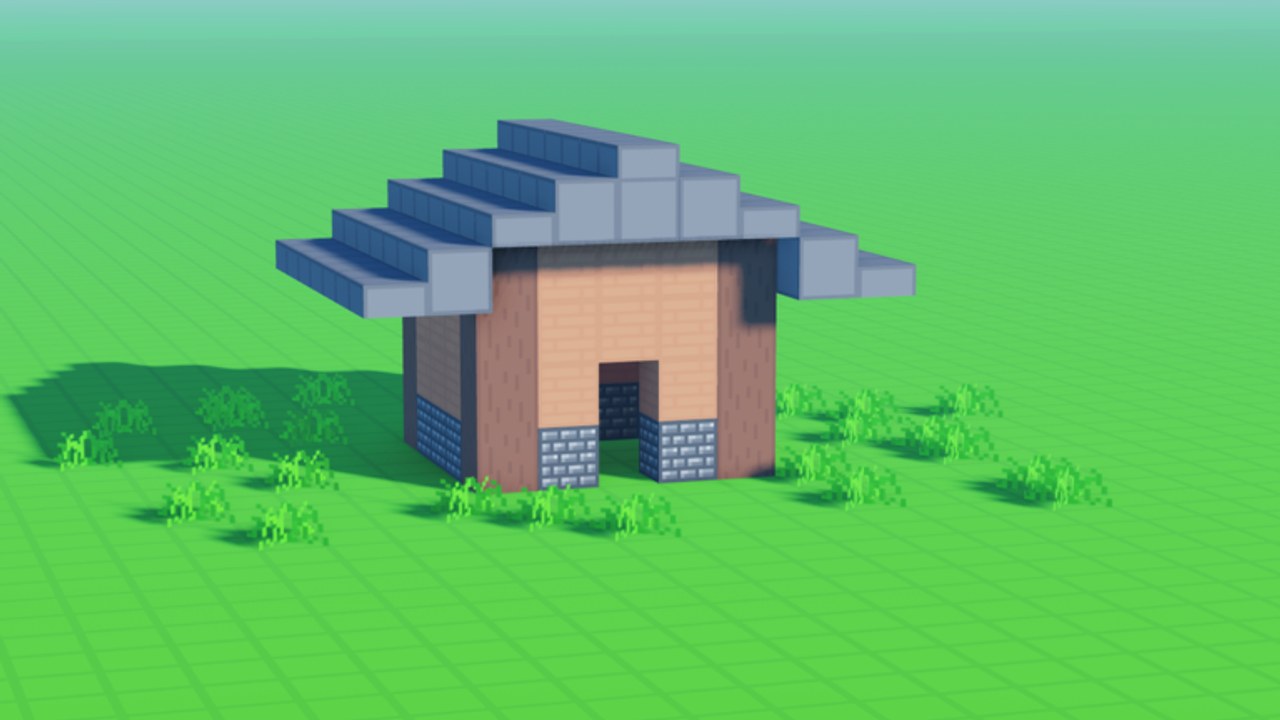
Weekly new blocks are the heartbeat patch for Voxel Block Builder. Even when there is no cinematic trailer, a fresh set of pieces can redirect your Personal World roadmap and change whether Rainbow Block Pack (199) or Colored Glass Pack (89) still feel urgent. This page teaches a repeatable process for every drop. Parent hub: Updates Hub. Item detail: Blocks. Rankings: Block Pack Tier List.
What “weekly” means for your play
Goober Labs expands the free catalog on a weekly cadence. You log in, find new blocks in Inventory, and immediately gain new structural or cosmetic options without spending Robux. That cadence is why patient builders can call free drops S-tier value on our tier lists.
The core loop never changes: select a block, click or tap to place, mine with a pickaxe to revise. Refresh basics anytime via Getting Started and How to Build.
The swatch-wall method (do this every week)
- Create or open a Personal World test pad — Personal Worlds.
- Place each new block in a labeled row (floor, wall, accent, oddity).
- Screenshot the wall in consistent lighting.
- Star three pieces you will actually use within seven days.
- Ignore the rest until a future project calls them.
This stops “shove everything into the castle” syndrome and keeps landmarks coherent.
Remodel triggers that are worth your time
Remodel when a drop supplies:
- A better roof family than your current topper.
- A cleaner floor grid for co-op traffic.
- An accent that completes a nearly finished facade.
- Pieces that match an exclusive-space theme like Blue Dimension.
Skip full remodels when the drop is novelty-only and your current silhouette already photographs well.
Weekly blocks versus paid packs
| Need | Prefer |
|---|---|
| Broad color now | Rainbow Block Pack 199 |
| Transparency / light now | Colored Glass Pack 89 |
| Long-term variety | Weekly free drops |
| Exclusive blue space | The Blue Dimension 29 |
| Faster edits of new pieces | Bombastic Pickaxe 99 (2x mining distance) |
| Scouting large pads for placements | Fly 299 or Sprint 49 |
Revisit spend logic on Game Passes and Game Pass Tier List. Hub overview: Tier List.
Co-op drop nights
Public servers with online co-op (max 18) become lively after fresh blocks land. Try a “drop night” format:
- Everyone builds a 10×10 booth using only that week’s free pieces plus one legacy neutral.
- No mining other booths without permission.
- Group vote, then recreate winners in Personal Worlds.
- Optional mascot lap with Verity equipped so pets roll/follow through the gallery — see Verity update.
Share the correct experience via Official Links. Check Codes if celebrations include redeemables.
Inventory hygiene tips
- Keep a favorites mental list; do not rely on memory alone after months of drops.
- Separate “structure staples” from “event spice.”
- When hotbar habits get messy, slow down and reselect deliberately—Controls help on multi-device play.
- Use Build Checklist before merging weekly spice into a main landmark.
Content calendar for serious builders
Week A: Swatch + micro booth.
Week B: Integrate stars into a real wing.
Week C: Co-op critique night.
Week D: Palette prune—mine out failed experiments.
This monthly rhythm turns weekly noise into curated progress and reduces Robux panic.
Screenshot and pet synergy
New blocks deserve documentation. Place a Verity-friendly runway beside your swatch wall so Verity Pets can star in “week of” posts. Companions do not alter block stats; they sell the update story to friends.
Mistakes that waste weekly value
- Buying Rainbow the same hour a free gradient-ish set arrives without testing the free set.
- Building only on temporary public plots after drops.
- Mixing six weeks of accents into one tiny house.
- Never mining—old wrong pieces block new good ones.
- Ignoring tier lists when your goals change — Items Hub plus Tier List Hub exist for course correction.
Fair play reminder
Weekly blocks are meant to be collected through normal play. Do not treat Scripts as a substitute for logging in and exploring Inventory honestly.
How this page connects to the rest of the wiki
- Systems overview after patches: Updates Hub
- Placement mastery: Blocks
- Companion timing: Verity update
- Spend decisions: block-pack-tier
- Technique: how-to-build
Weekly drops reward players who show up with a process. Bring a Personal World pad, a pickaxe, and a promise to star only three new pieces. Everything else can wait on the swatch wall until a future Friday makes them suddenly perfect.
Close each drop week by deleting one outdated accent from your main build and replacing it with a starred newcomer. That single swap—not a total rebuild—is how weekly blocks compound into a world that feels alive months after you first joined Voxel Block Builder.
Frequently Asked Questions
Quick answers about Voxel Block Builder on Roblox.
How often do new blocks arrive?
Voxel Block Builder adds weekly new blocks. Log in regularly and check Inventory for free pieces you can place immediately.
Should I still buy Rainbow or Glass if blocks are free weekly?
Buy packs when you need a cohesive look now. Weekly drops are better long-term value if you can wait and test pieces on a swatch wall first.
Where should I test weekly blocks?
Use a Personal World test pad. Public co-op servers (max 18) are fun for drop nights, but saves belong in Personal Worlds.
Do weekly blocks work with Verity Pets?
Yes. New blocks make fresh backdrops while Verity rolls and follows when equipped. Pets do not change placement rules.
What tool helps after a big drop?
Bombastic Pickaxe (99) speeds revisions with 2x mining distance, but a careful default pickaxe plus the Build Checklist is enough for most weekly integrations.